chAIn
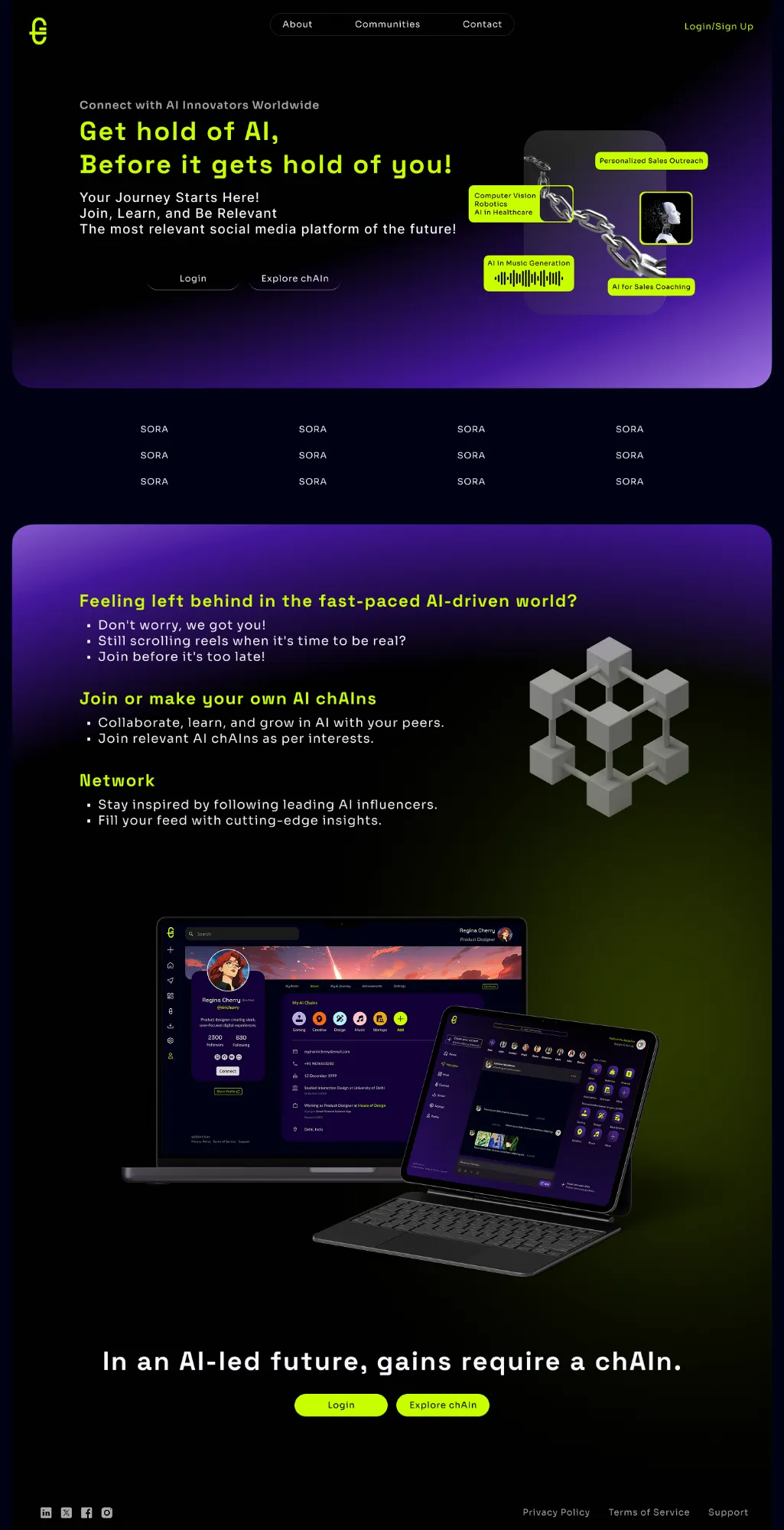
Get hold of AI, before it gets hold of you.
A community and content platform where people learn AI together inside chains, topic communities that members can join, create and moderate.
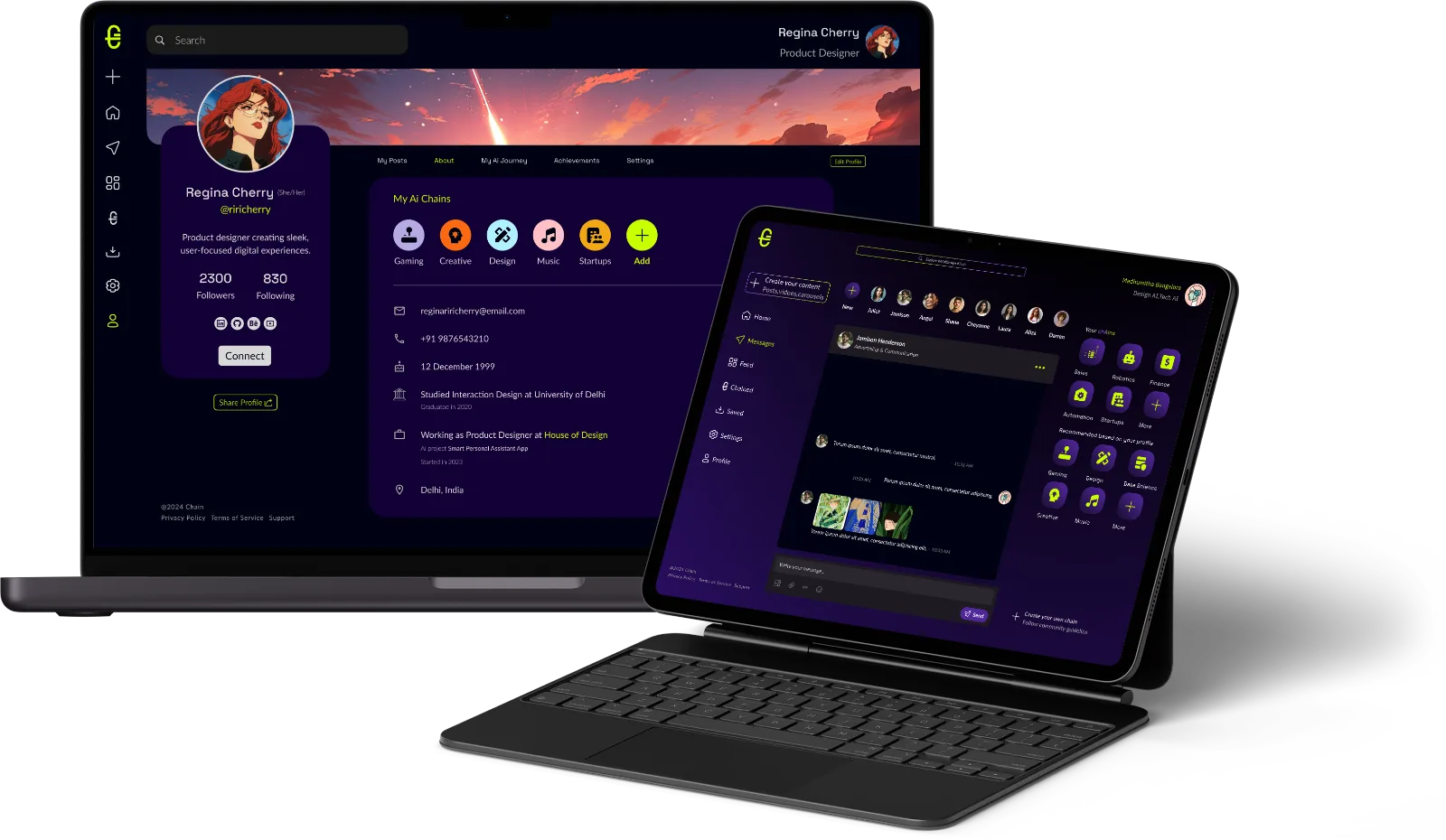
AI moves faster than anyone can follow alone. chAIn turns that pace into something you can keep up with, together.
Social feeds reward scrolling, not learning. People curious about AI had no focused place to find their topic, follow credible voices and talk shop without the noise.
I designed the web app end to end with the founding team, from brand to UI. Most of the thinking went into the chain lifecycle, the four flows below.
Neon energy, calm ground
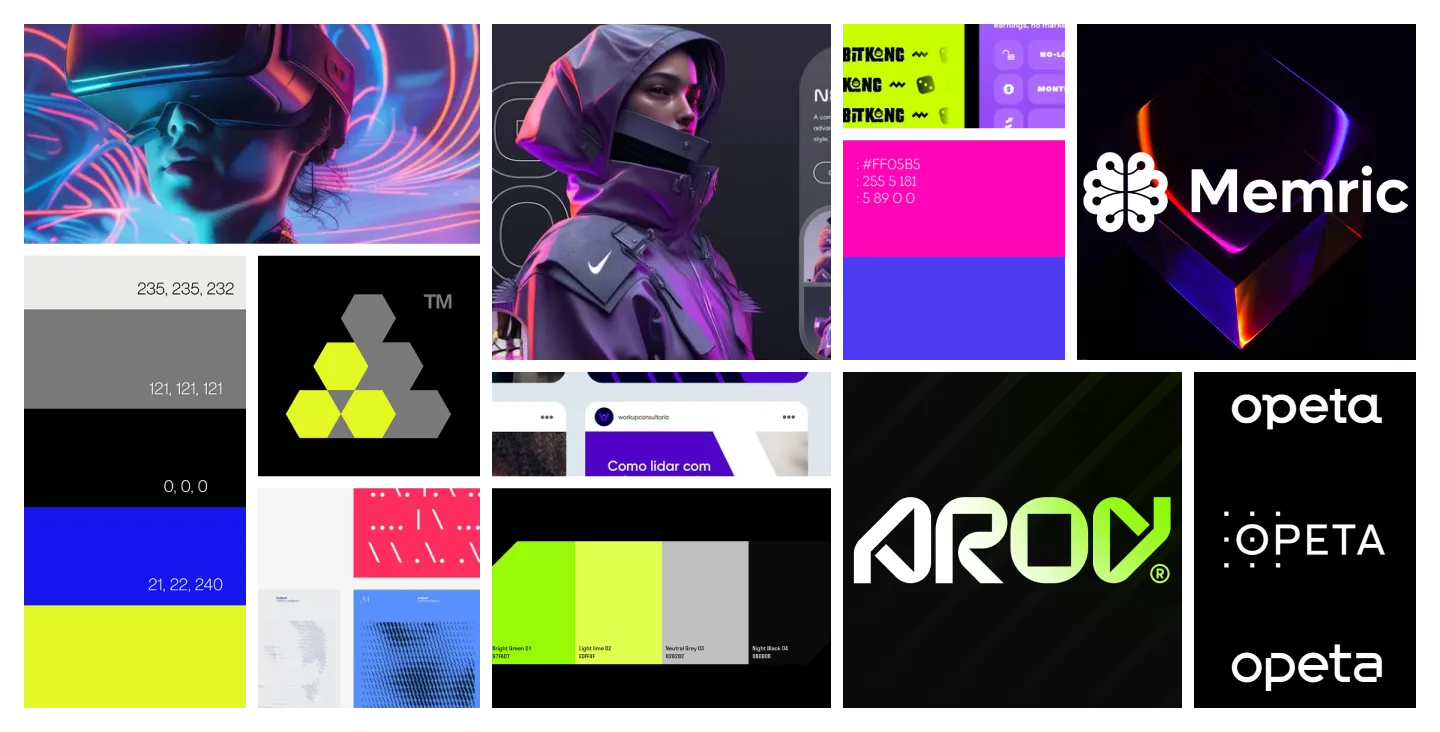
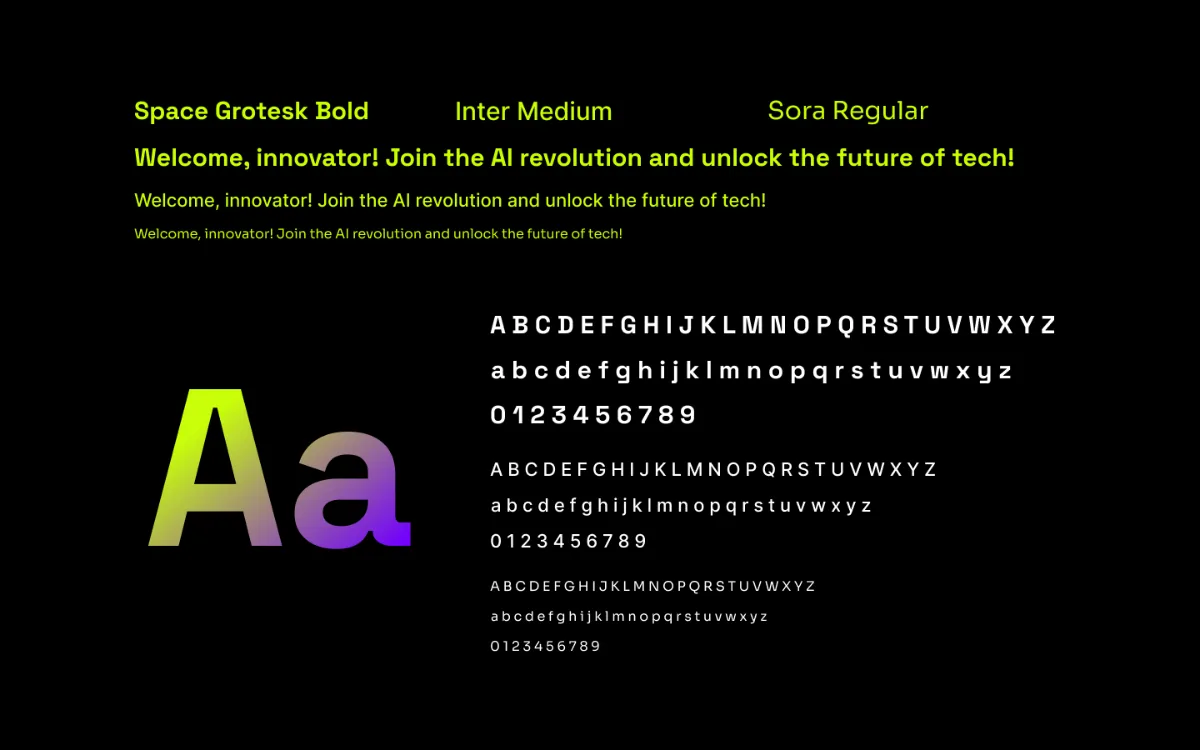
The moodboard pulled from gaming, fintech and tech brands. Neon signals action, purple signals community, and deep black keeps long reading sessions comfortable.
Your chains, always in reach
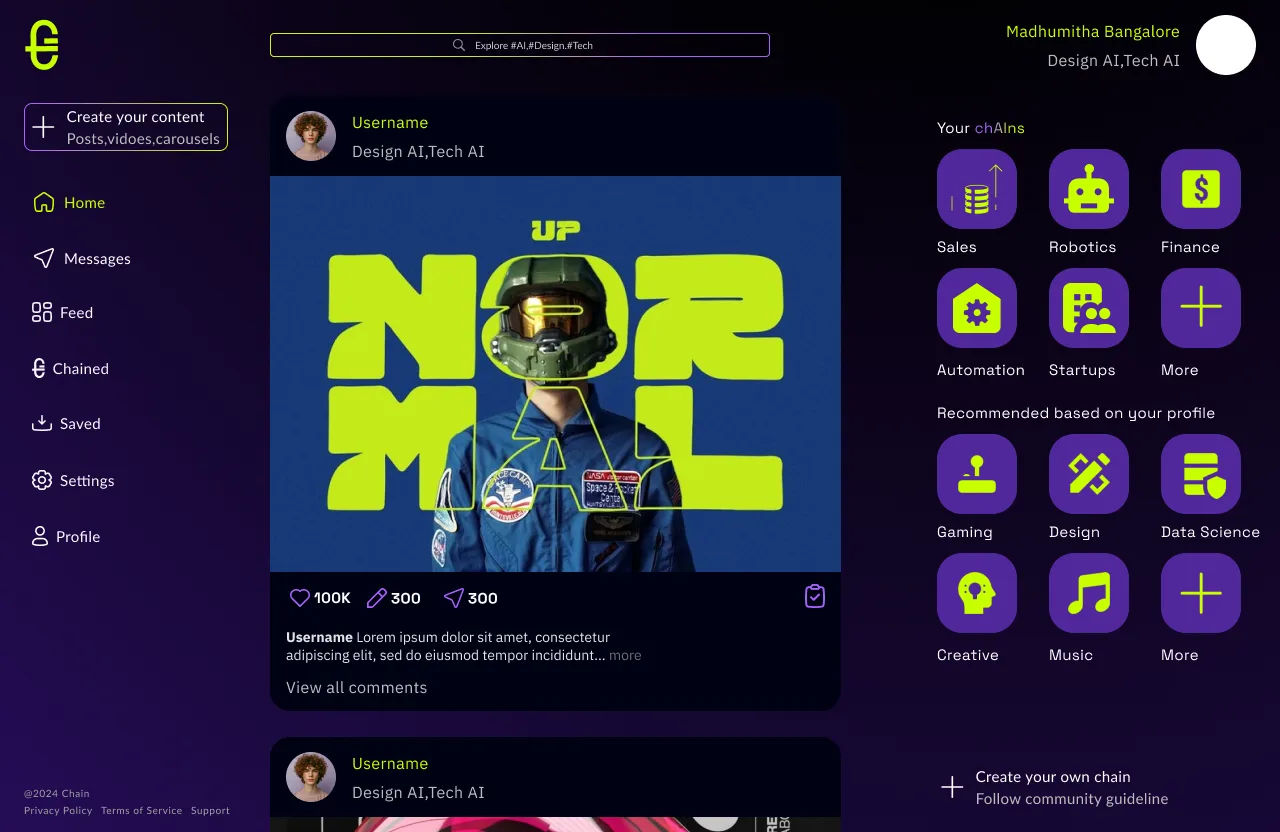
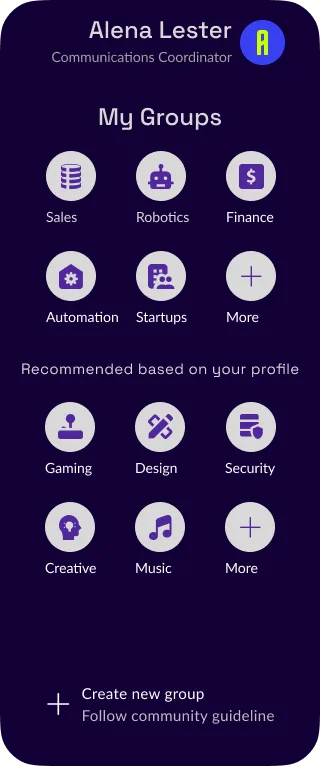
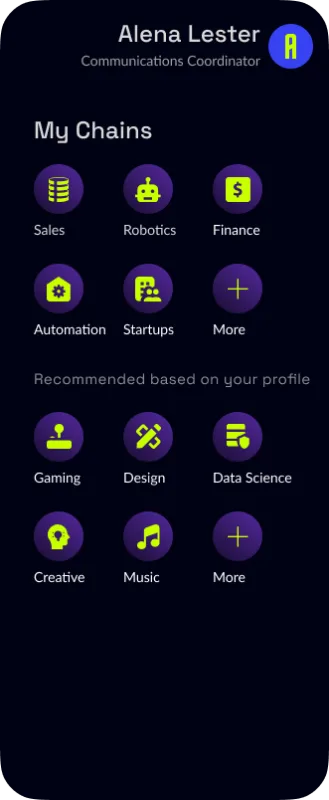
One shell for the whole app: navigation left, content centre, and a persistent chain rail right that pairs joined chains with recommendations.
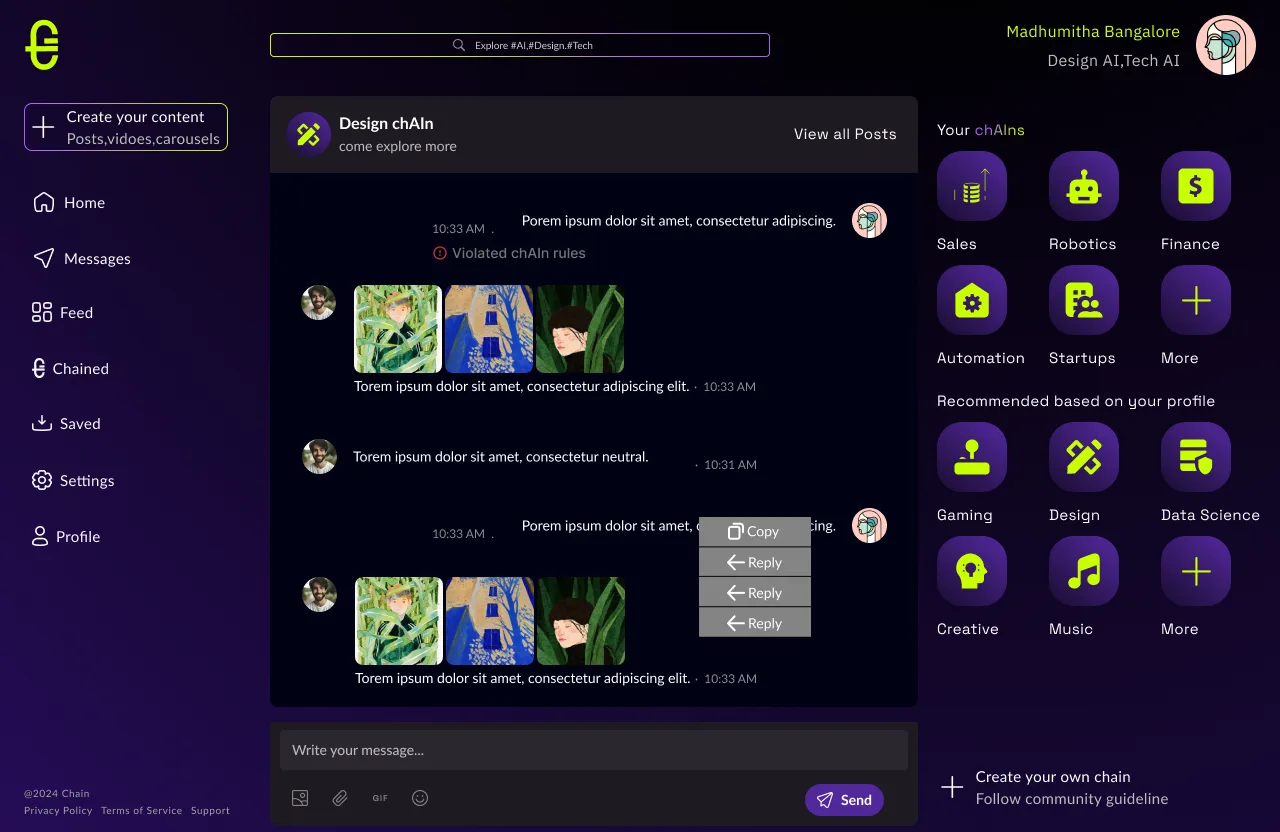
An off-topic message is marked "Violated chAIn rules" right where it sits. Members learn the norms and the conversation keeps its flow.
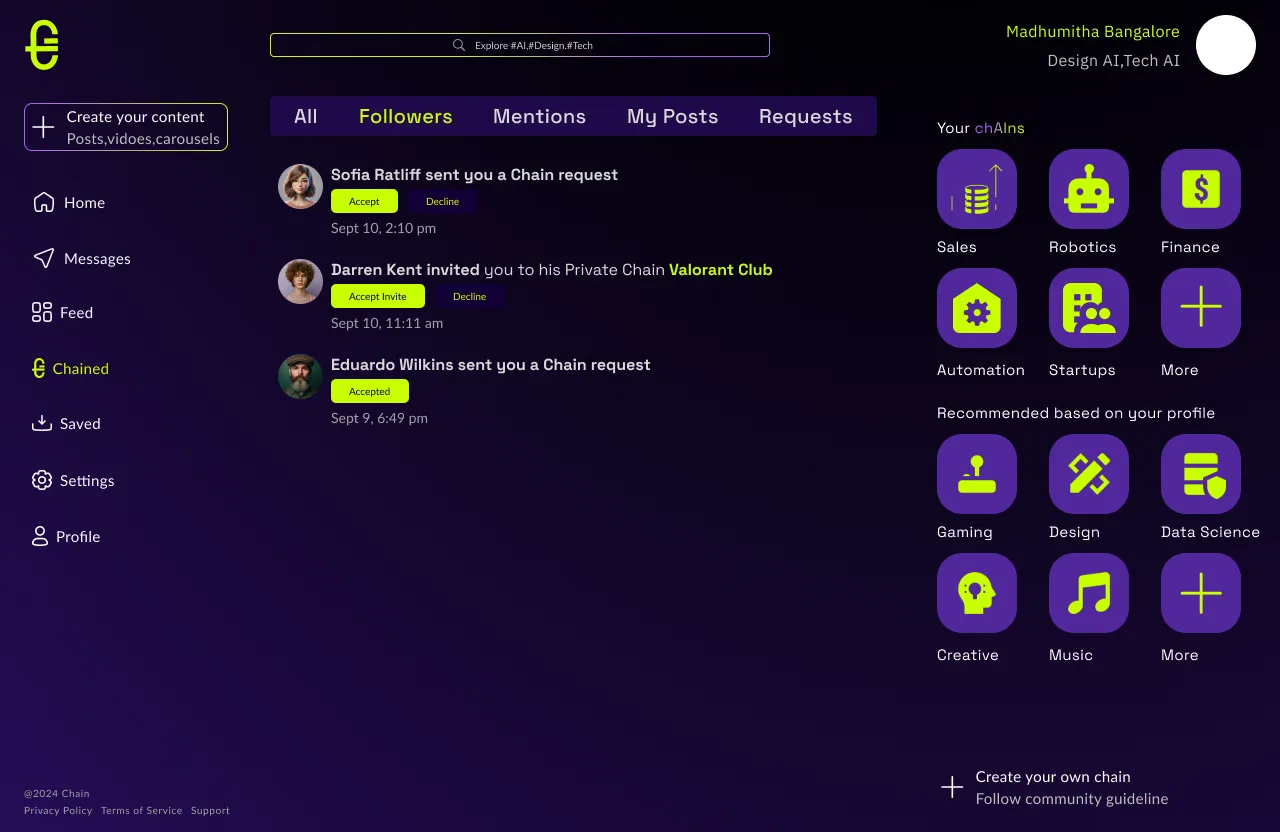
Chain requests and private-chain invites arrive as notifications with Accept and Decline built in, filtered by type.
Creating a chain, link by link
A modal wizard over the home screen. The type chosen at step one decides the path: Official chains branch into document verification before anyone can publish.
A CV for the AI era
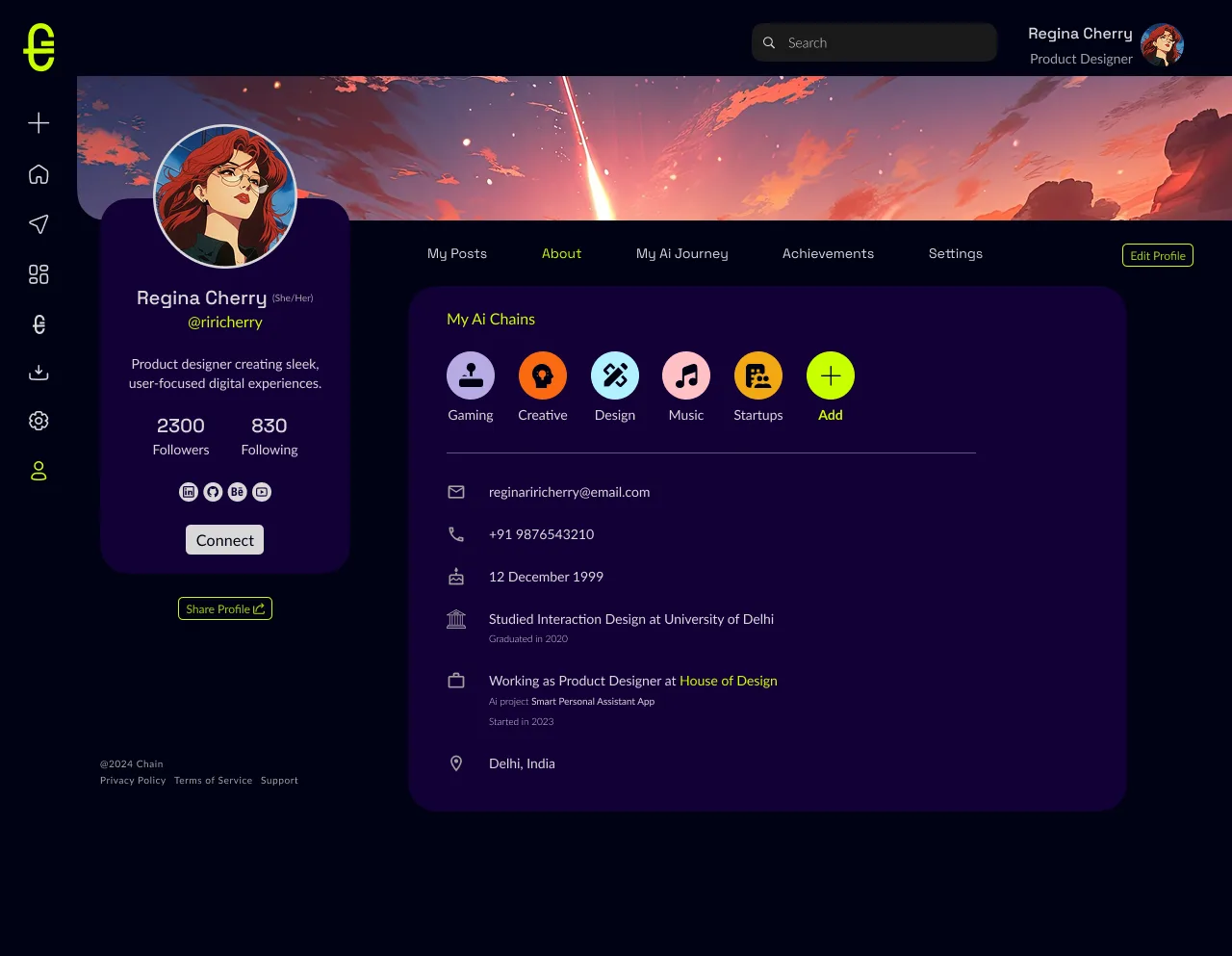
A member profile shows how someone works with AI. Joined chains sit up front, and the AI Journey tab lays out work, study and side projects, each with the AI tools used.
Company profiles swap the journey for AI Updates: short case-study posts on how the business uses AI, followed like any member.
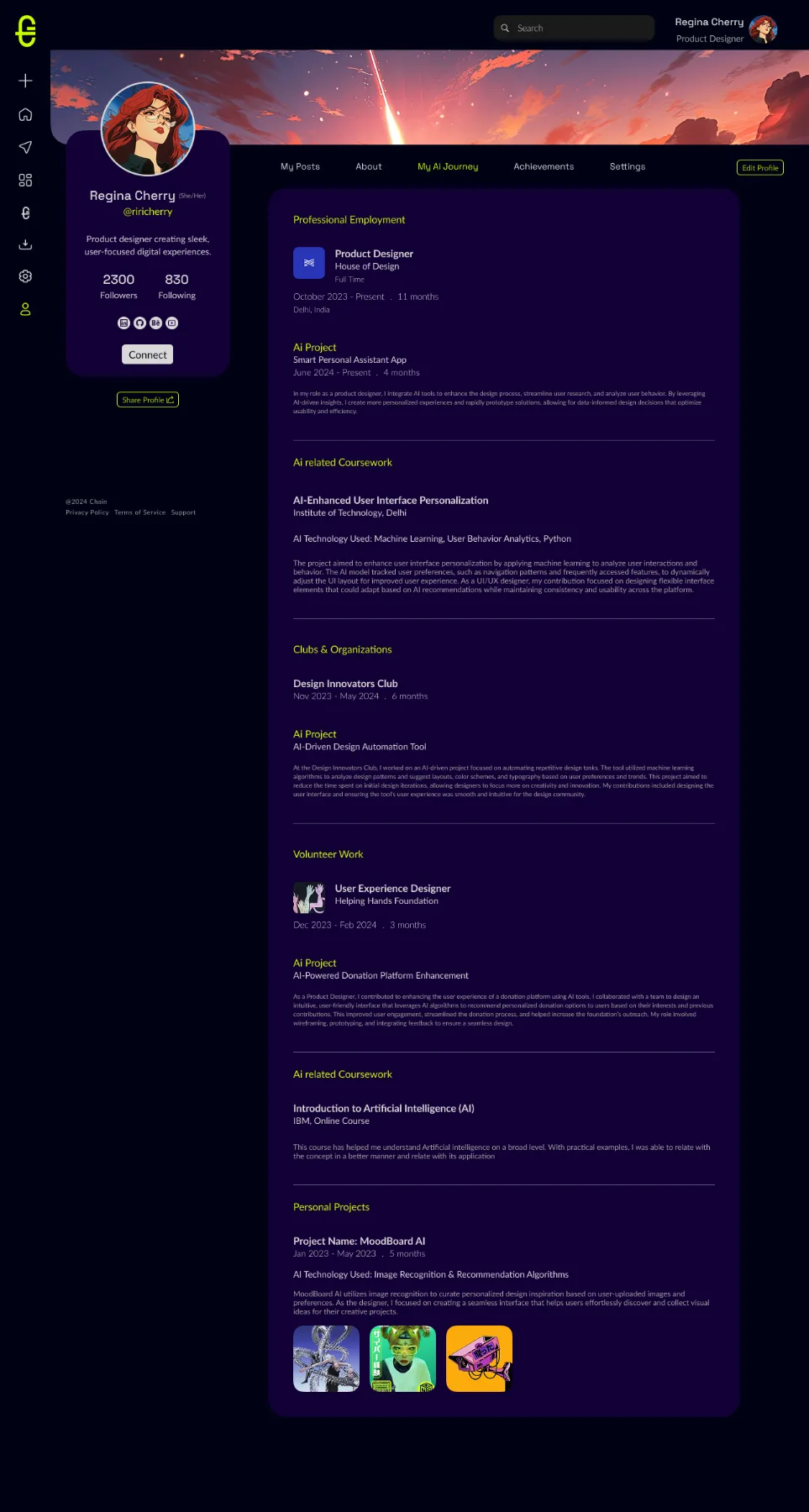
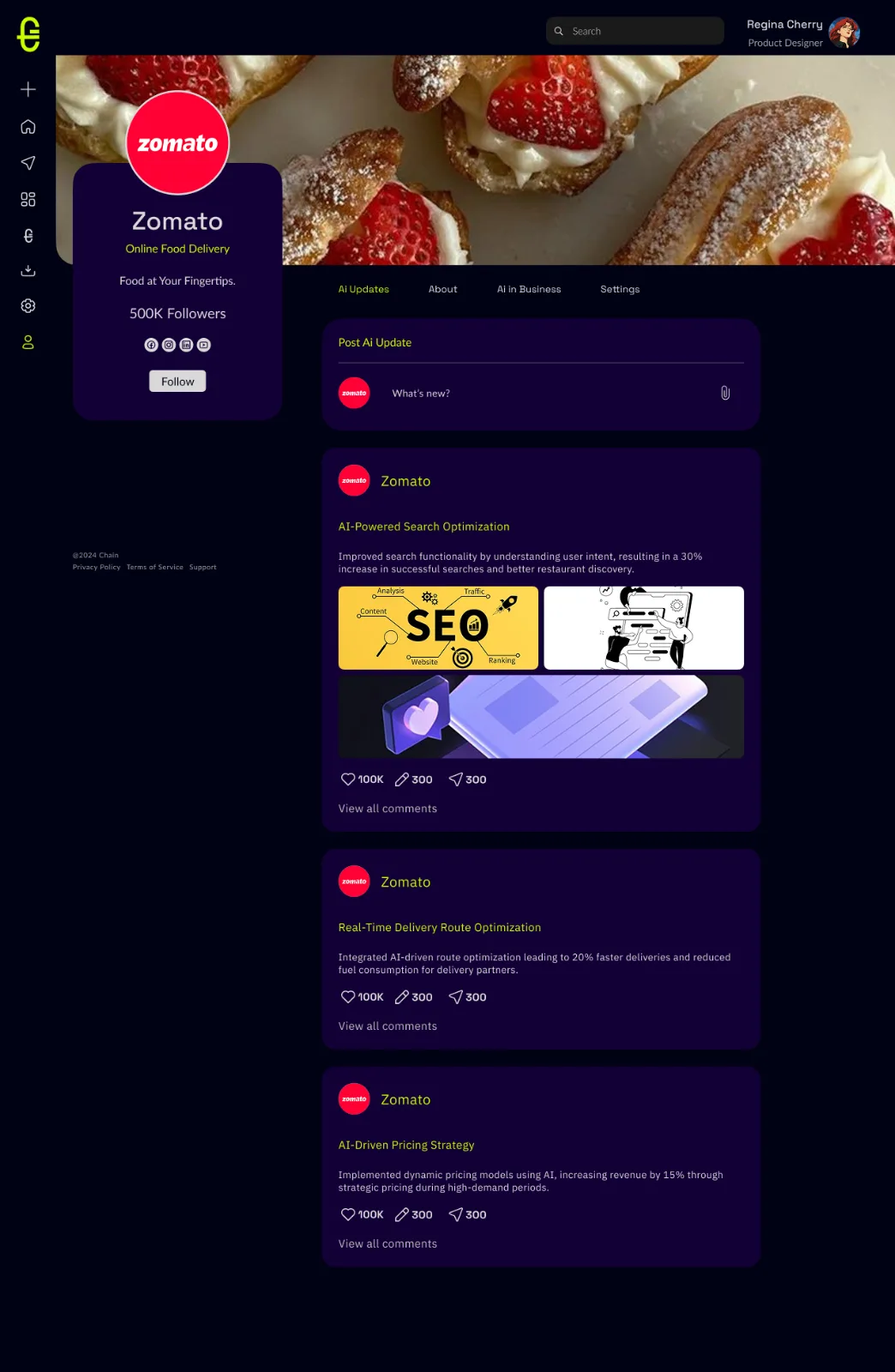
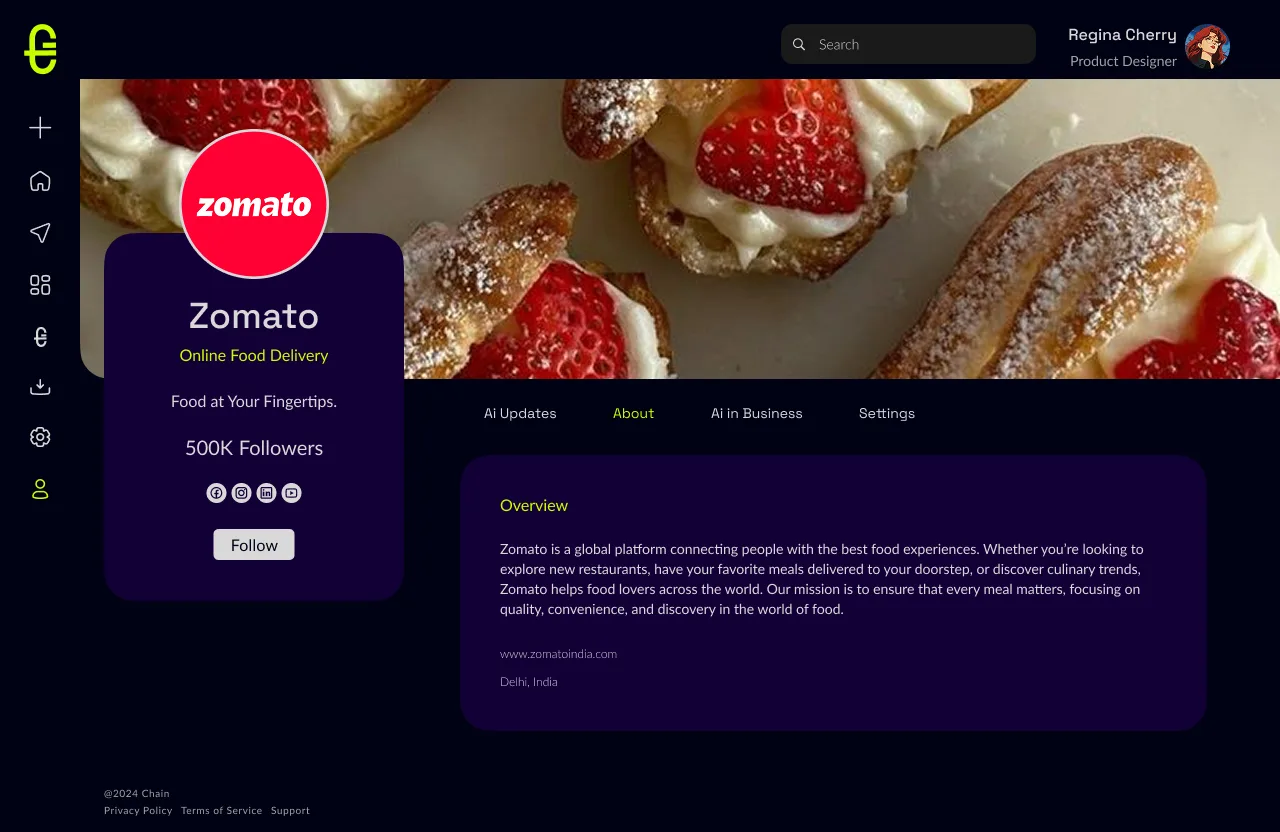
TAP A SCREEN TO VIEW IN FULL
Three decisions, tested
Each one explored in several versions before committing.
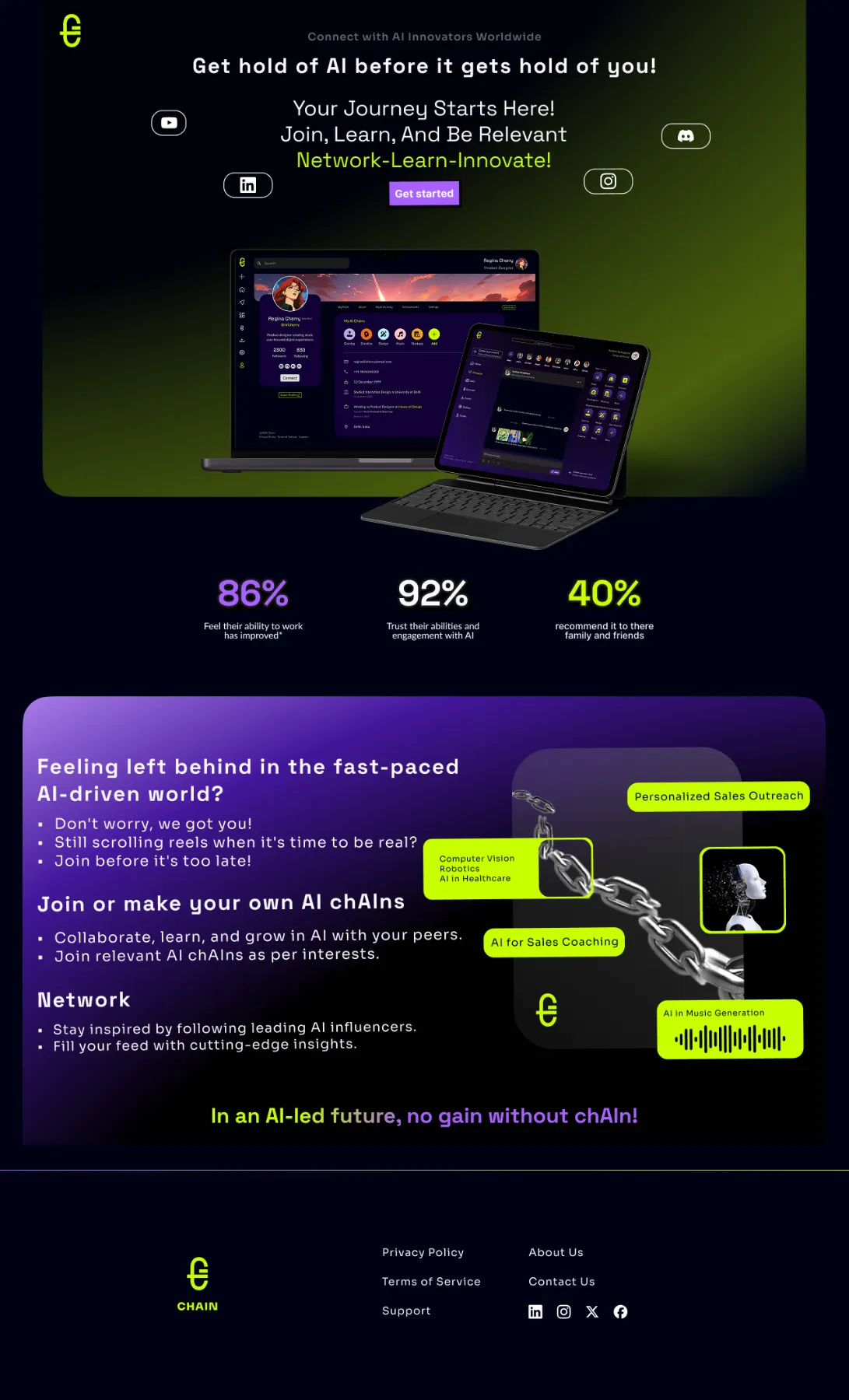
The first draft led with product and stats. The final leads with the promise and the chain visual, then shows the product.
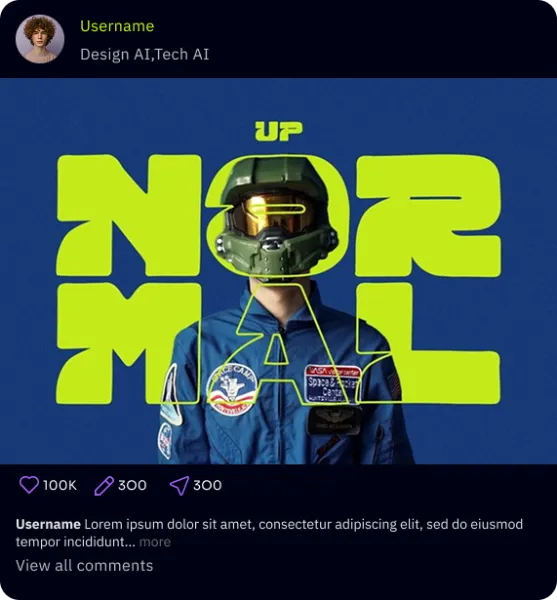
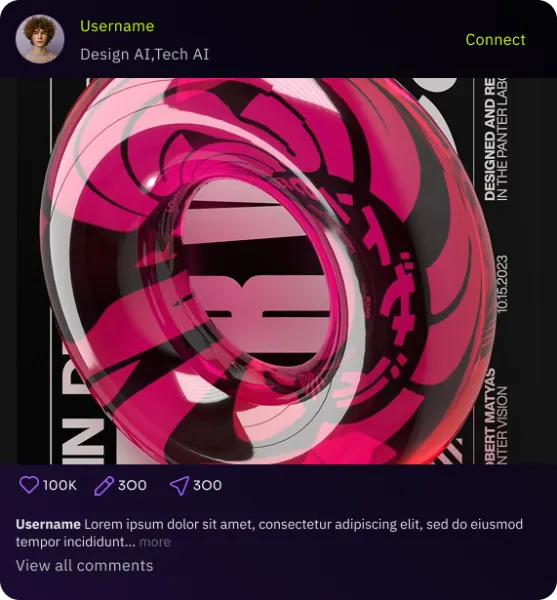
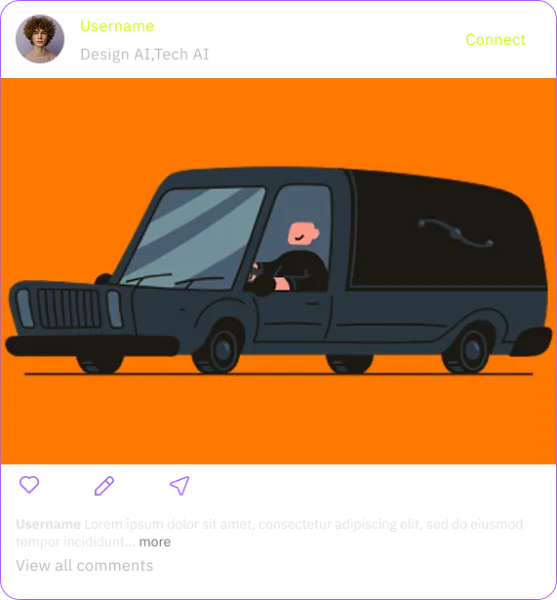
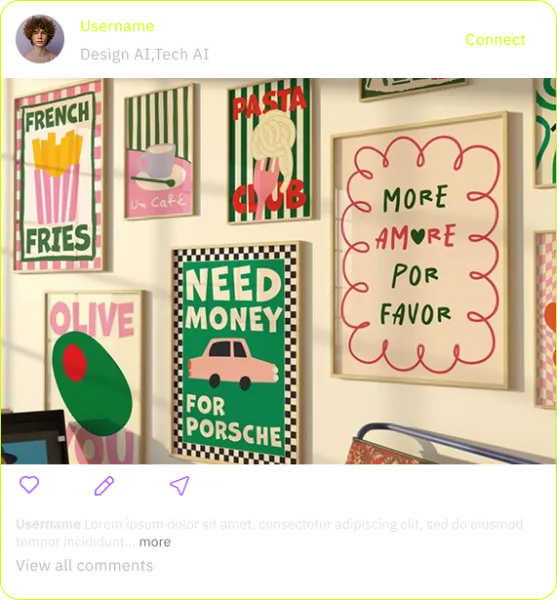
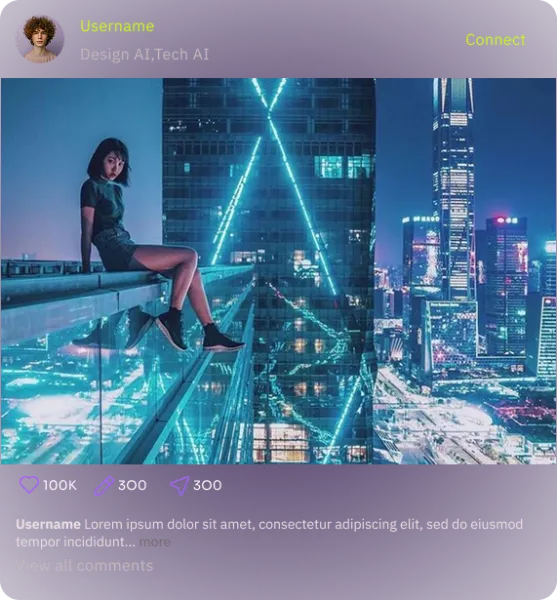
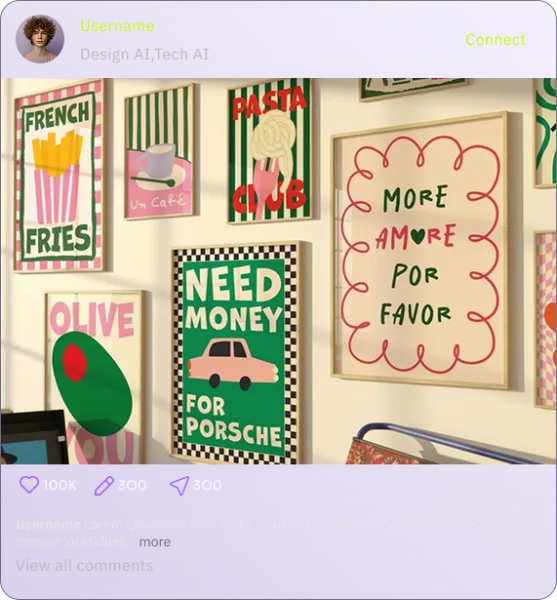
Six treatments tested against busy artwork. Solid dark kept text legible on every image, so it shipped.
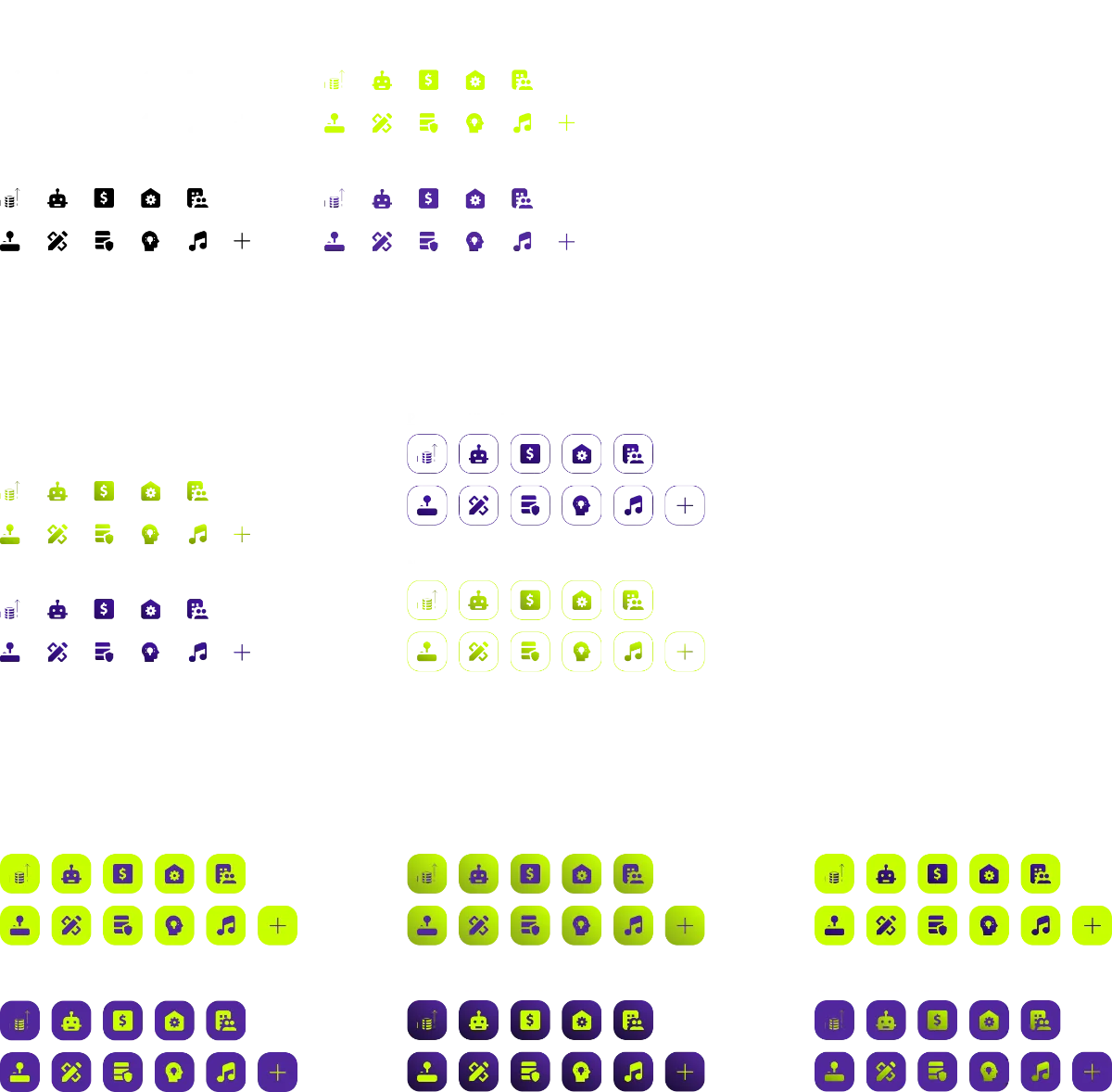
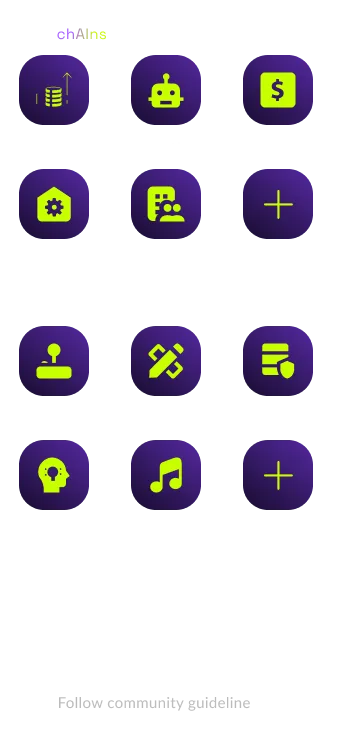
Grey round chips read as generic groups. Purple squircles with neon glyphs made each chain feel owned, and echo the logo.
In an AI-led future, gains require a chAIn.